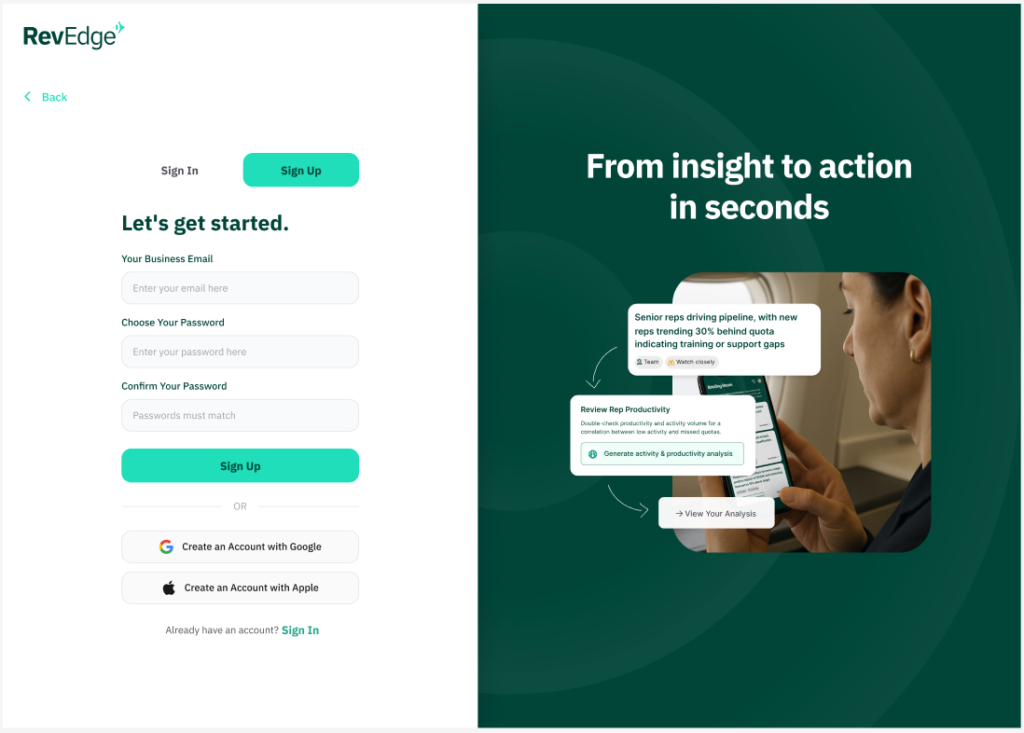
- Go to Revedge.ai, click the sign up button.
- Fill in your Business Email and choose a password. Click Sign Up
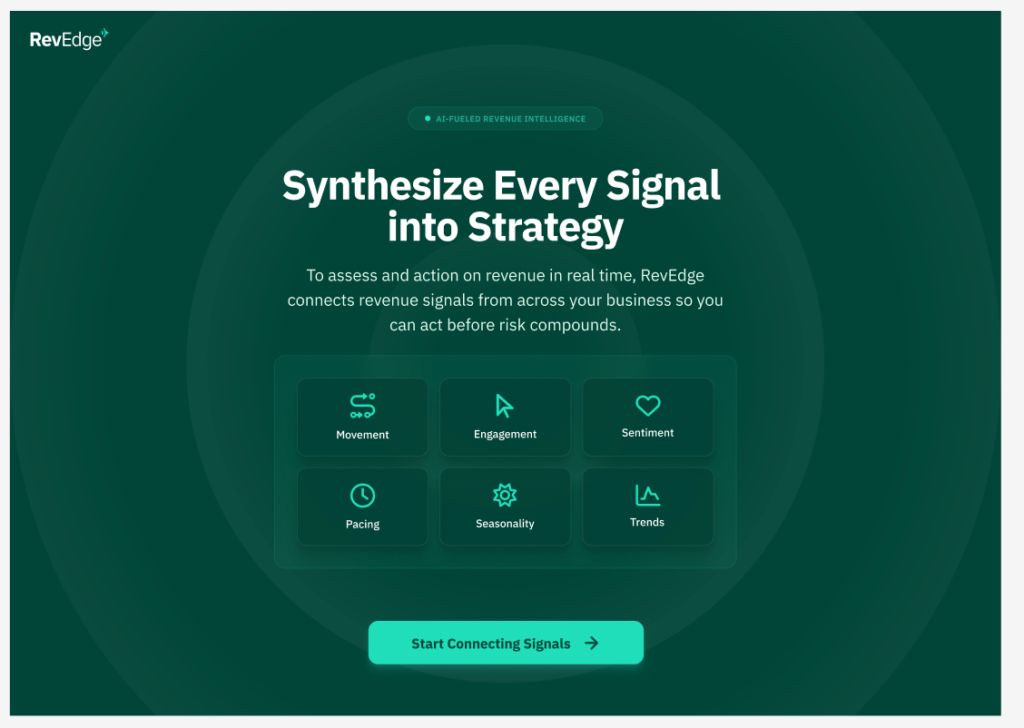
3. On the next page, click Start Connecting Signals.
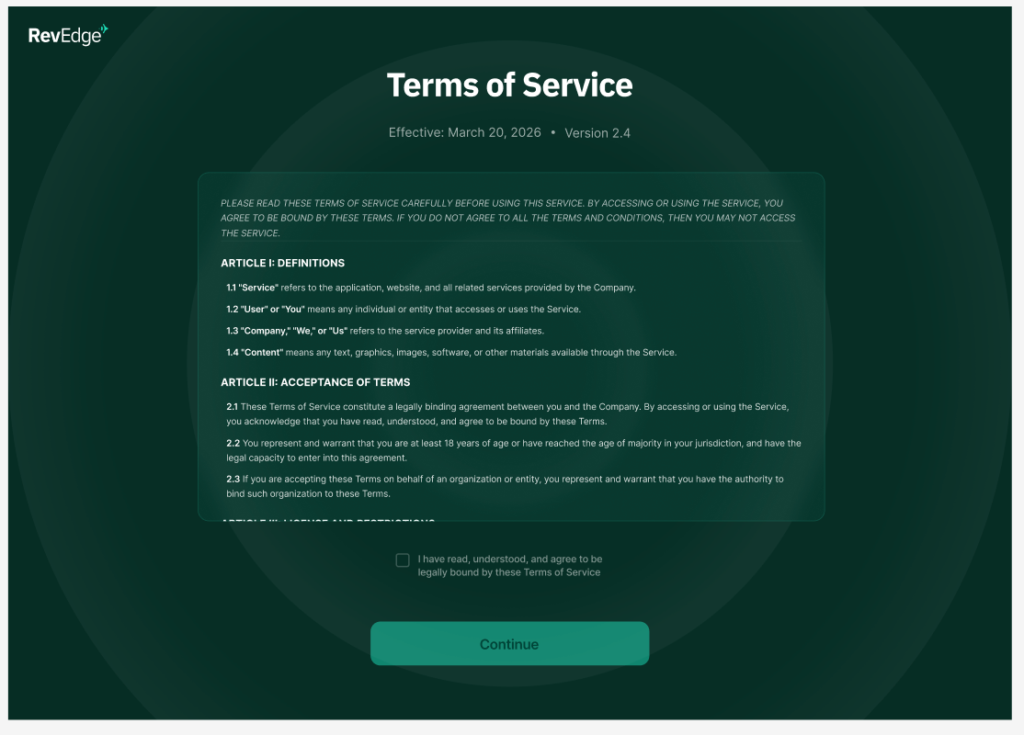
4. Next, agree to the Terms of Service
5. Connect your CRM – choose HubSpot or Salesforce.
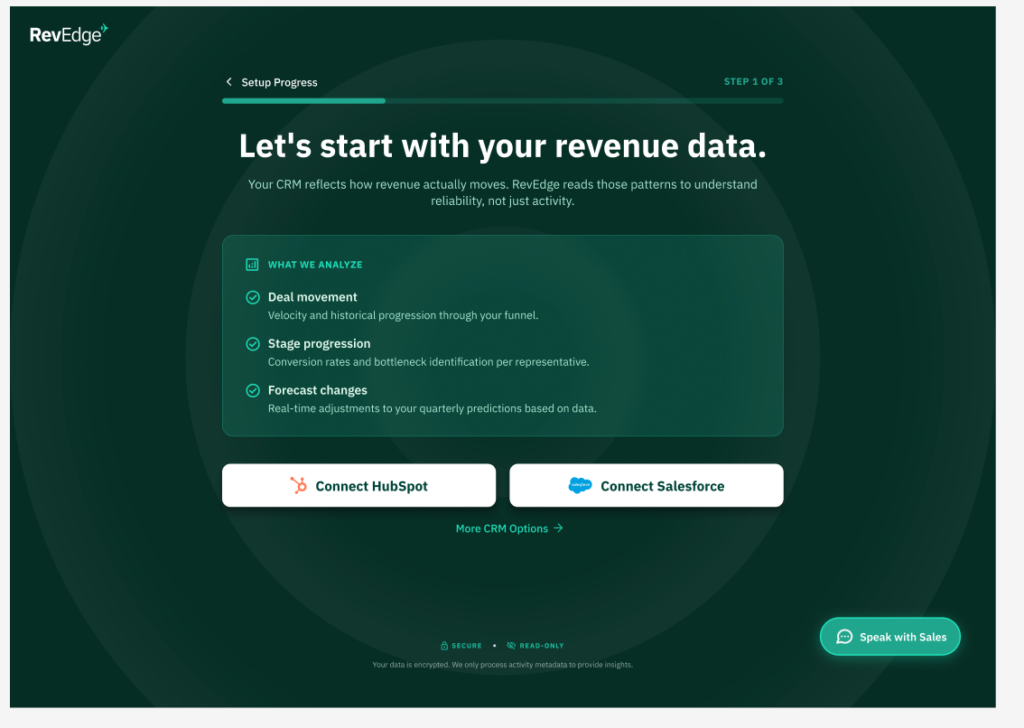
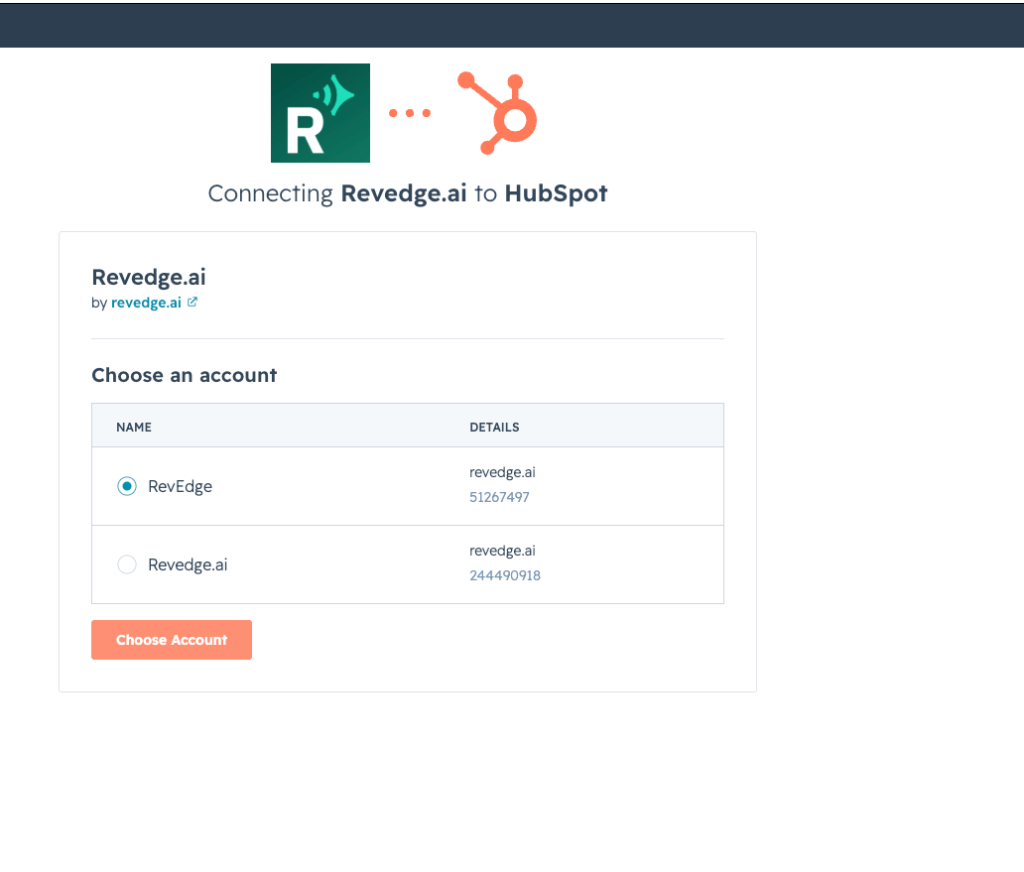
6. Follow these steps to connect your HubSpot. Choose the HubSpot account to connect to Revedge.
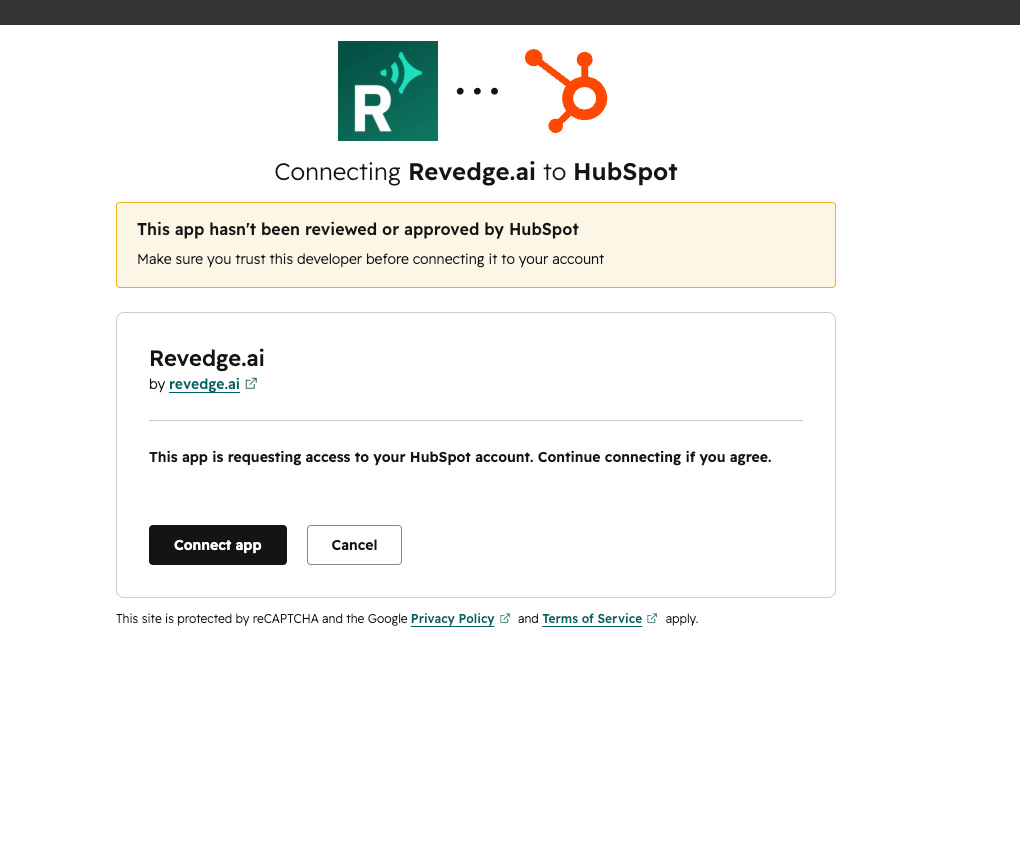
7. Click Connect app.
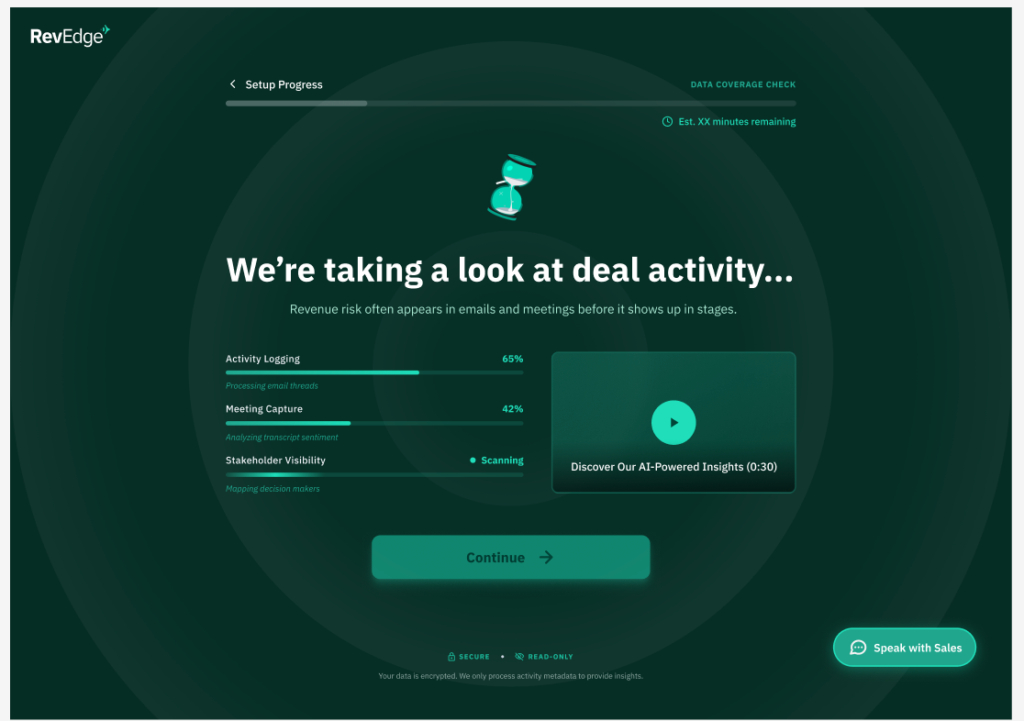
8. Revedge will begin to pull in your deal activity from the CRM.
9. From there you can choose to connect either your Gmail or Outlook.
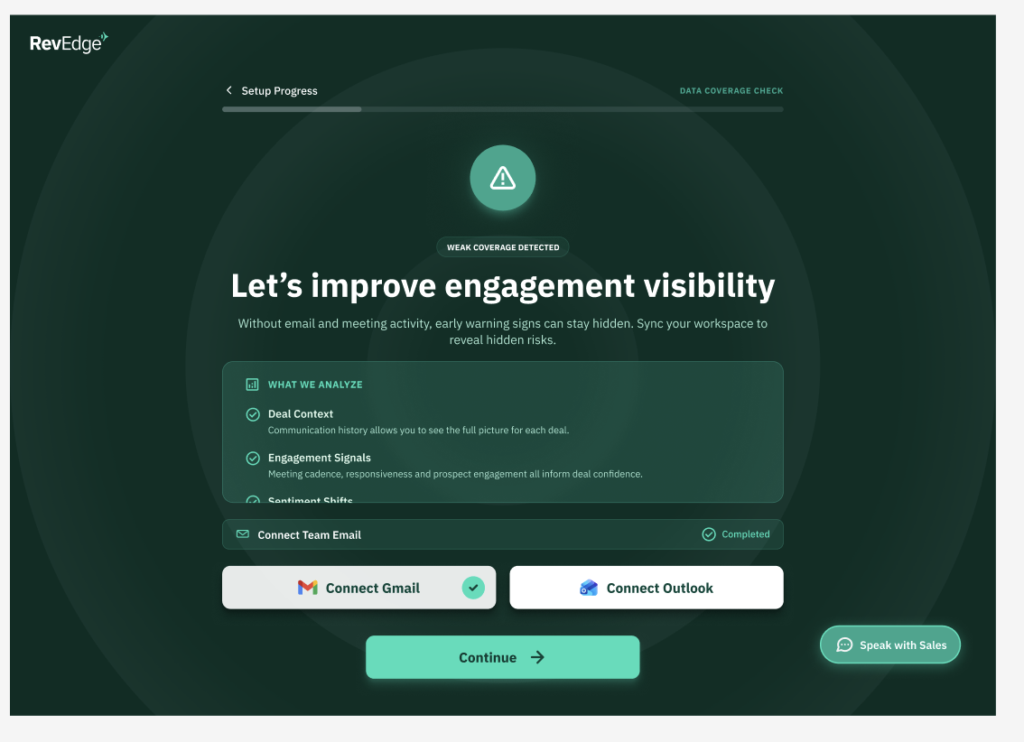
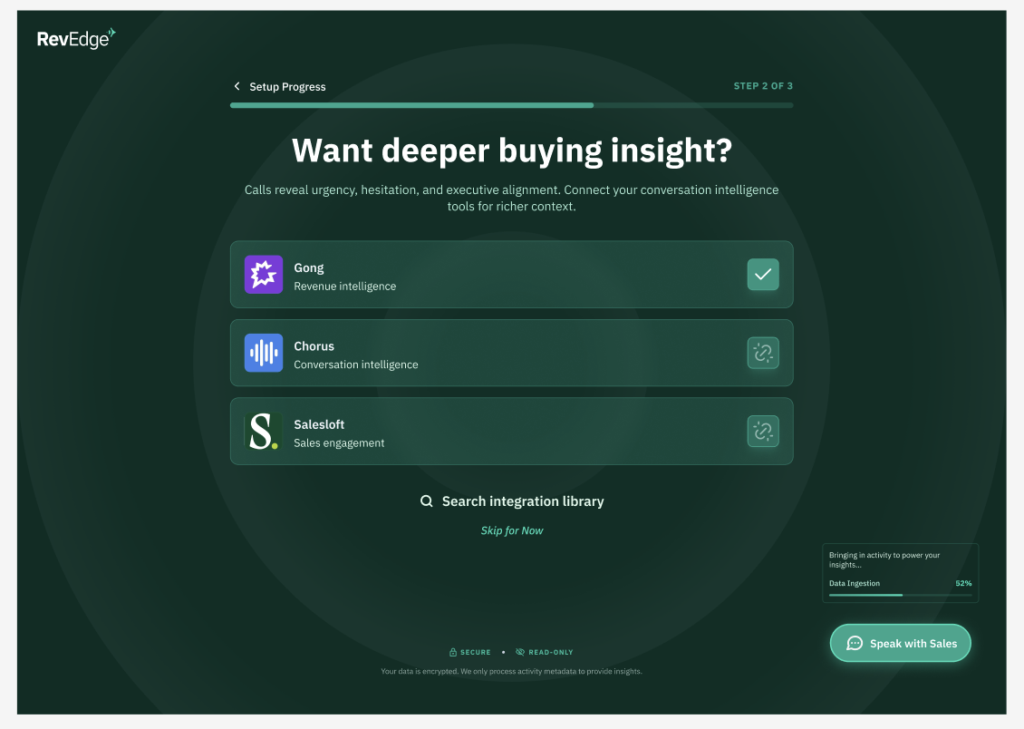
10. Optionally, choose to connect conversation intelligence tools.
11. Tell us more about your business so that your notifications are helpful and relevant to you.
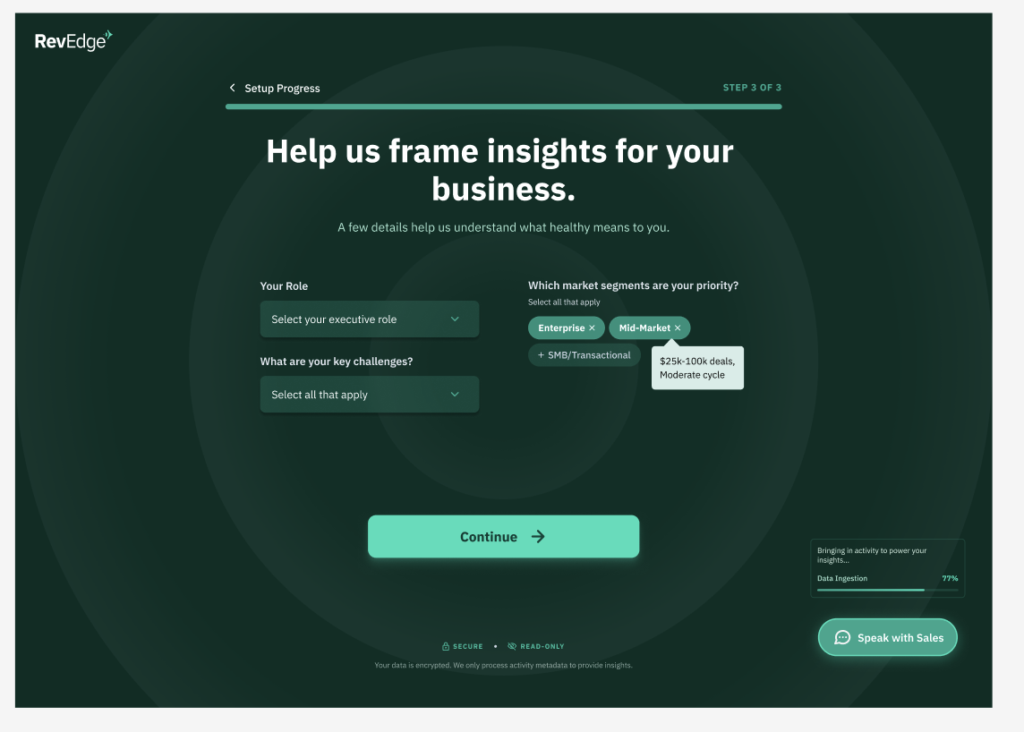
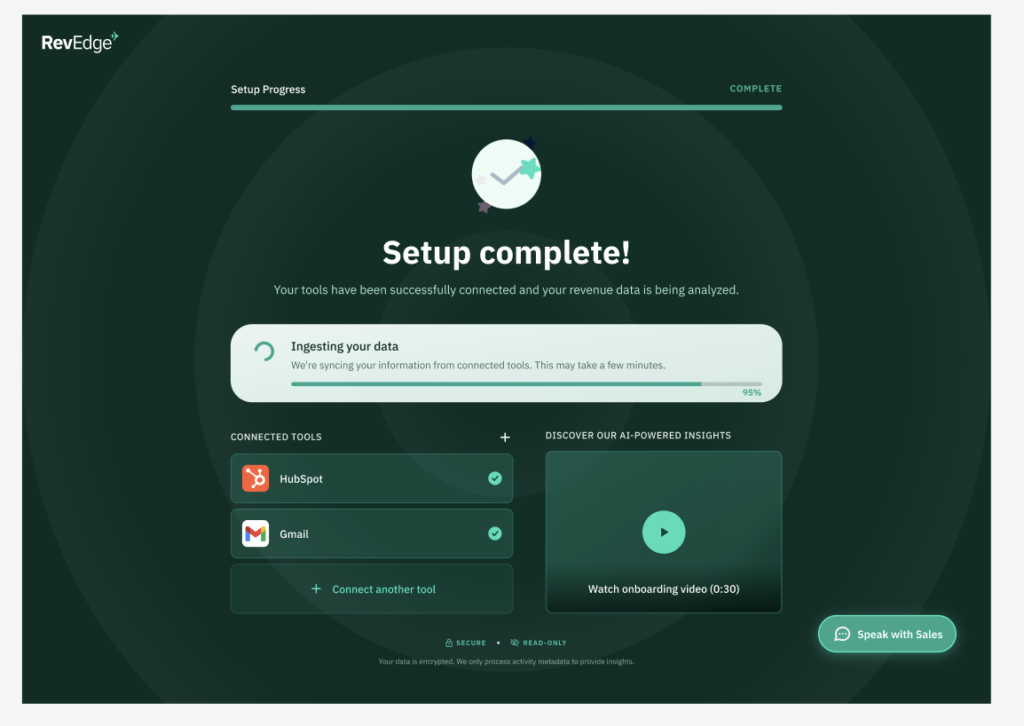
12. Then your set up is complete!